
Music tools
A place to sketch a melody, work out a rhythm, or get to know a sound.
19 tools · Free · No account needed
Pick something to play with.
19 tools
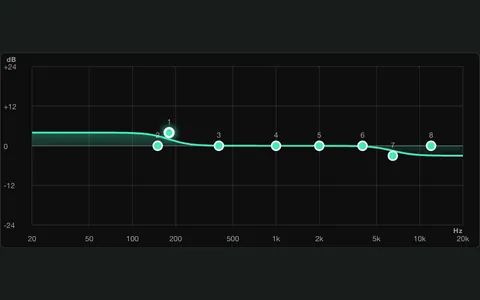
EQ playground
Choose a sample or record your own audio. Move the EQ bands and hear what changes.
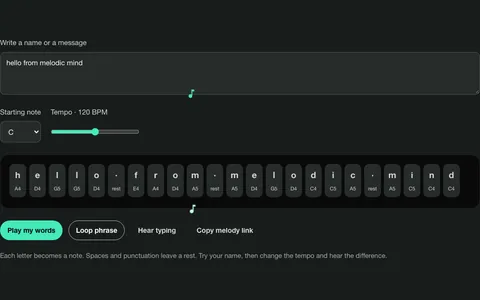
Words into music
Type a name, a line, or a message. Hear it as a melody.
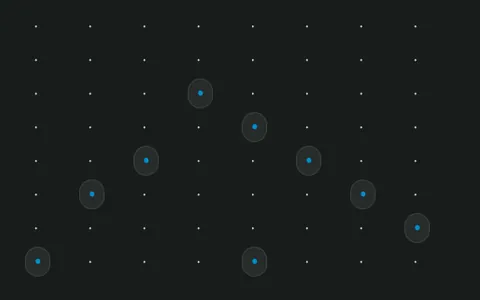
Glow grid
Pick your notes and build a loop, one square at a time.
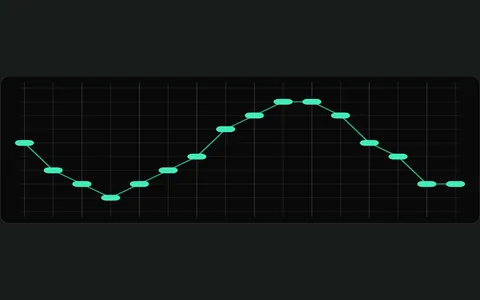
Draw a little music
Draw a line and play it. Higher parts of the line make higher notes.
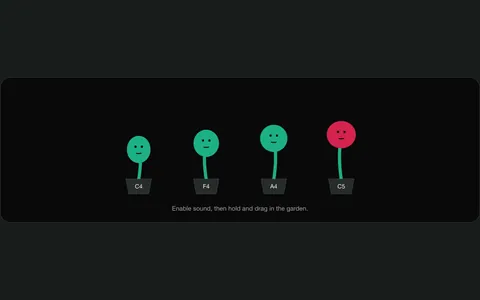
Harmony garden
Move the top note and hear three other voices follow it.
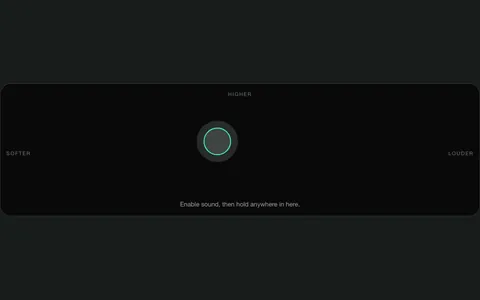
Pocket theremin
Hold and slide to change the pitch. Move across to change the volume.
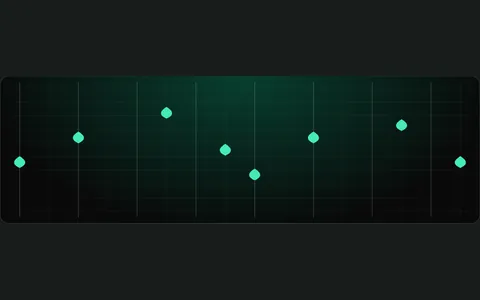
Raindrop melodies
Place a few drops to make a melody. Play it, change it, or send it to someone.
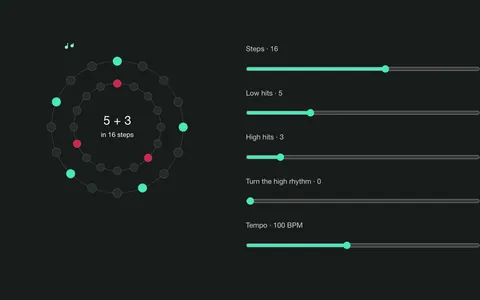
Rhythm beads
Choose how many hits you want, then turn one rhythm against the other.
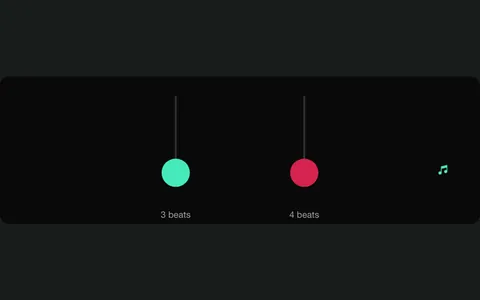
Two pulses
Hear two rhythms at once and follow where they meet.
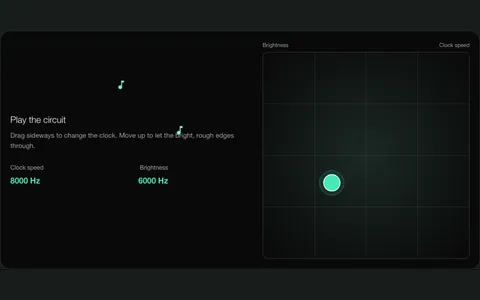
Tiny math, strange music
Hear what a short formula can sound like. Change the clock speed and try another.
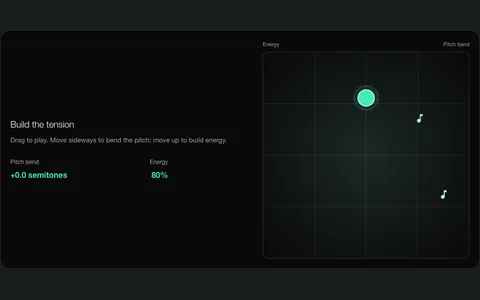
Riser designer
Build a rising or falling transition. Choose its length, pitch motion and build-up, then use it in your track.
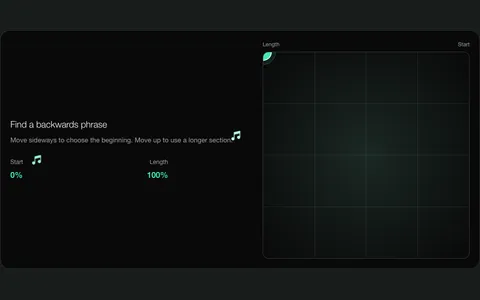
Backwards, please
Play a sound backwards. Drag to choose the part you want to reverse.
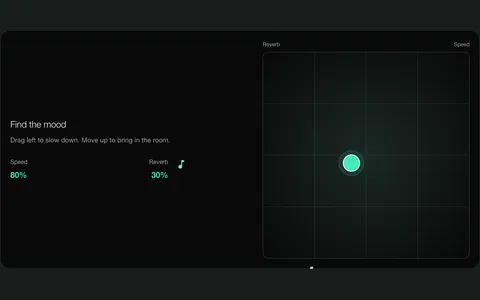
Slow room
Slow down a sound and add some reverb. Compare it with the original.
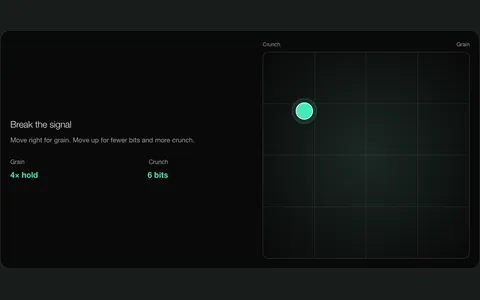
Arcade dust
Turn a clean sound into something crunchy. Choose how rough it gets.
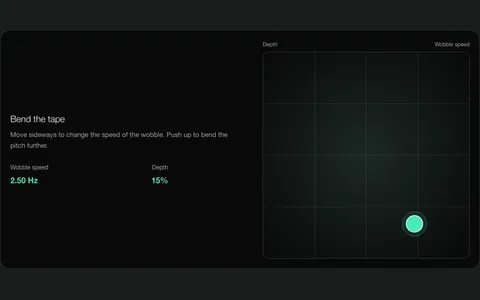
Wobbly tape
Add a little pitch wobble, or push it further and hear what happens.
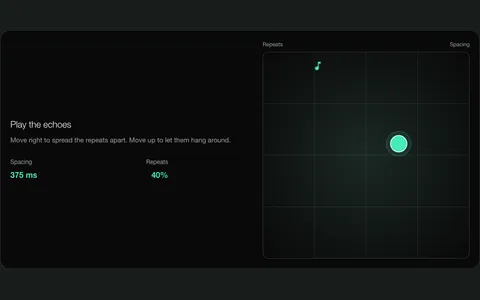
Echo corners
Add echoes and choose how quickly they repeat and fade.
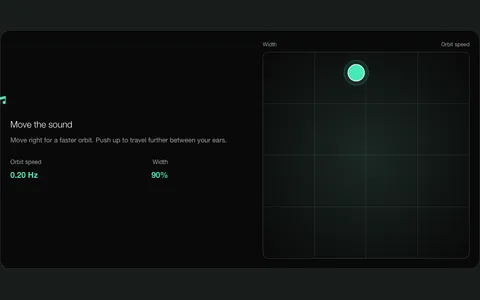
Sound in orbit
Move a sound from left to right. Use headphones to hear the difference.
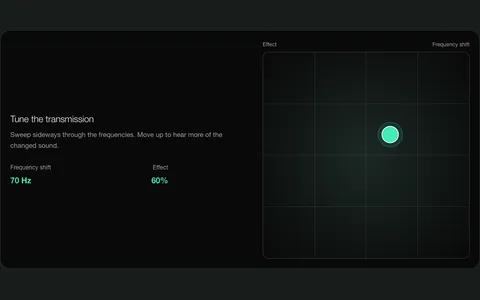
Alien radio
Shift a sound’s frequencies and hear it turn metallic.
Decibel meter
Watch your microphone’s level. Use a reference meter if you want to calibrate it.
What would you like to do next?
One recording to finish, or a track to build? Pick the app that fits.
Audio Lab
Record. Edit. Done.
Record your voice or an instrument, or import an audio file. Trim it, shape the sound with effects and export it when you’re happy.
Starts a separate recording or file edit. Creations from these tools aren’t imported by this link.
Record and edit in Audio LabMelodic Studio
Make it part of a track.
Build a song with melodies, drums, bass and recordings. Use a free tool to bring your notes or audio and tempo into a new project.
Already have an idea? Open Studio and start a project.
Make music in Melodic StudioHear it with a beat.
This melody started as a drawing. Play it, then switch the drums on and off.
Try this with your own drawingNot sure where to start?
Try making one of these. Each has a short walkthrough.
Draw a melody. Give it a beat.
Make an eight-beat phrase, leave some space, then add a drum part in Studio.
One extra hi-hat hit.
Hear how hit count and rotation change a groove, then give it a bass line.
Make a reverse swell.
Turn the end of a sound into the lead-in for something new.
Make the moment before the drop.
Play an eight-beat transition and keep the movement you recorded.
Give one recording another mood.
Compare the same piano phrase before and after slowing it down and adding space.
Make a recording sound clearer.
Hear what EQ changes, keep the version you like, then finish the edit in Audio Lab.